Core elements
- Updates and compatibility
- Monitoring and logging
- Backup verification
Keep an established WooCommerce store safe to update, easier to diagnose and ready for ongoing business changes — without turning every small change into a risky project.
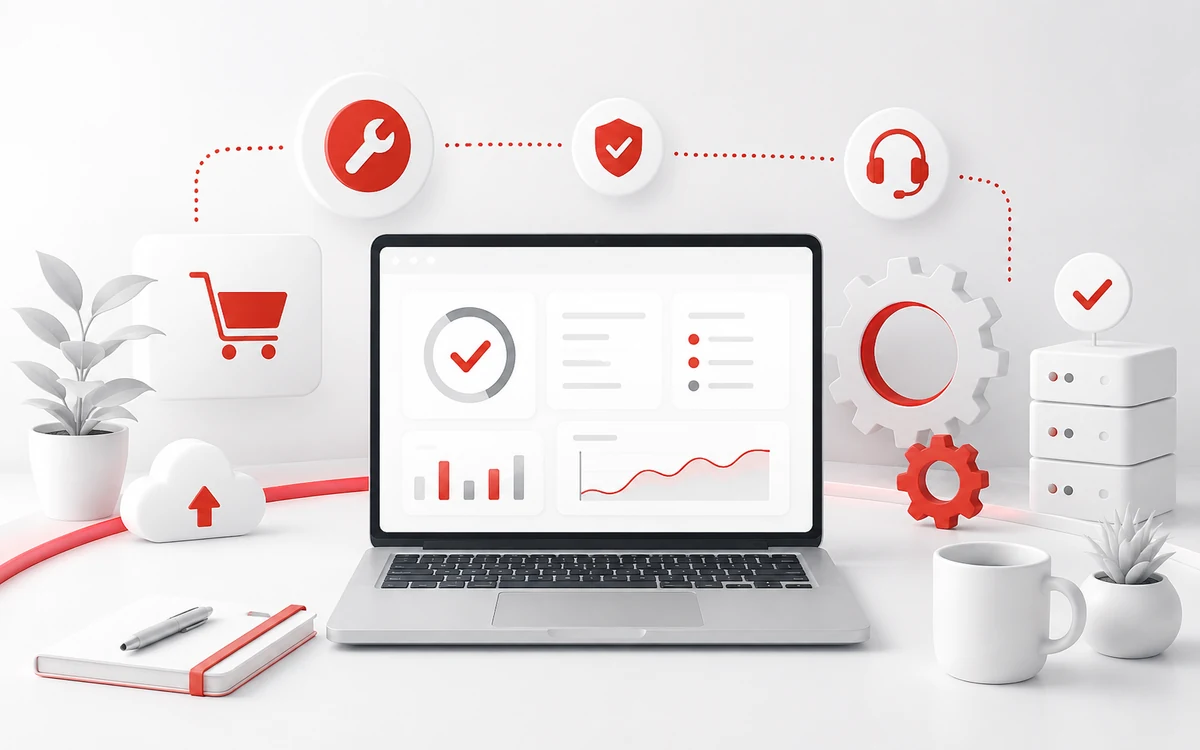
A mature WooCommerce store changes continuously. WordPress, WooCommerce, payment gateways, carrier integrations and custom code evolve at different speeds, while sales cannot simply stop for maintenance.
Ongoing support should therefore reduce operational risk: updates are tested, backups are usable, incidents are diagnosable and small improvements can be delivered without losing knowledge about the system.
The goal is not process for its own sake. The priority is predictable maintenance and room for future change.
The useful part is not clicking “update”. It is knowing what changed, testing critical flows and having a rollback path if production behaves differently.
Dependency updates and meaningful changes are tested away from production whenever store risk justifies it.
Checkout, payment, order creation and integrations are checked after changes instead of relying on homepage availability.
Recurring warnings and failed jobs are reviewed before they become customer-facing incidents.
Important architecture decisions and custom behavior are documented so future work starts with context.
We inventory the store, custom code, integrations, hosting and the current deployment process.
Changes are tested on staging and deployed with a clear rollback path.
We focus on checkout, payments, integrations and technical signals that can affect sales.
Small technical debt and recurring friction are handled before they accumulate into a larger rescue project.
We do not start with a technology choice. We start with the failure mode, the business rule and the evidence.
We establish staging, backups, smoke tests and a repeatable update window.
We define monitoring for checkout, scheduled jobs, integration failures and server health.
We keep a living technical map and a controlled backlog so maintenance does not reset context each month.
A deployment is not “done” because the happy path worked once. We agree what must remain true in production.
The right model depends on store complexity and expected response time. We can define a recurring scope after reviewing the store.
For business-critical stores we strongly prefer a staging-first workflow with backups and a rollback plan.
Yes. Ongoing support can include smaller improvements, bug fixes and technical housekeeping within an agreed capacity.
If you are not sure whether the right first step is an audit, integration or custom code, describe the symptom. The scope can follow the diagnosis.
Short technical brief →Tell us how the store works, where the risk is and what the business needs. We will tell you what information is required for the next step.